Local-first · Free · No account
OPEN IT. FIX IT. SIGN IT. KEEP IT PRIVATE.
QPdf is a full PDF workspace — reader, editor, signer, scanner — that runs entirely on your phone, tablet or desktop. No account, no cloud, no subscription.
- Works offline
- No analytics SDK
- Open source
The toolkit
EVERY TOOL YOU'D PAY FOR. NONE OF THE UPSELL.
Nothing here is gated behind a tier. Scan it, edit it, sign it — the whole toolkit ships free.
Read & search
Search, select and navigate even large documents with thumbnails, bookmarks and an outline view.
Fill & sign
Complete AcroForms and add a drawn or cryptographic digital signature, with byte-range verification.
Annotate & organize pages
Highlight, draw and place text, then merge, reorder, rotate and extract pages.
Scan & on-device OCR
Turn paper or photos into a clean PDF, then make it searchable — without a page ever leaving the device.
Redaction that actually redacts
Removes sensitive content with an image-only rewrite — not a black rectangle sitting over copyable text.
Standards & document hygiene
Audit against PDF/UA and PDF/A, compare revisions, optimise file size and remove hidden metadata.
Private by architecture
YOUR FILES NEVER LEAVE YOUR DEVICE.
Every tool above — rendering, search, editing, signing, scanning, OCR — runs locally. Printing and sharing hand the file to your own operating system, only when you tap. Read the full policy →
The one outbound request QPdf can make is the optional on-device OCR model download — roughly 21 MB, verified against a pinned SHA-256 — and only if you ask for OCR. No part of your document is included in it.
A look inside
BUILT FOR THE SCREEN IN YOUR HAND.
Focused on mobile. The same build scales to tablet, macOS, Windows and Linux.
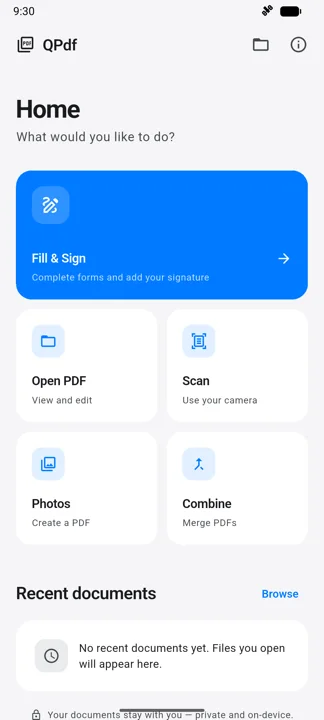
Home
A task-first launcher, not a file dump. Open, scan, combine or sign in a single tap.
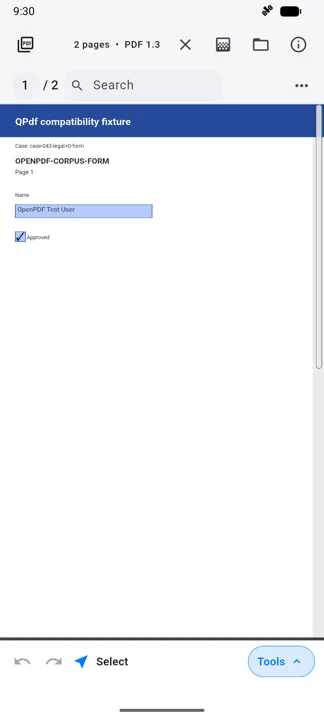
Reading
Page counter, search and zoom in one bar. Undo and redo on every edit.
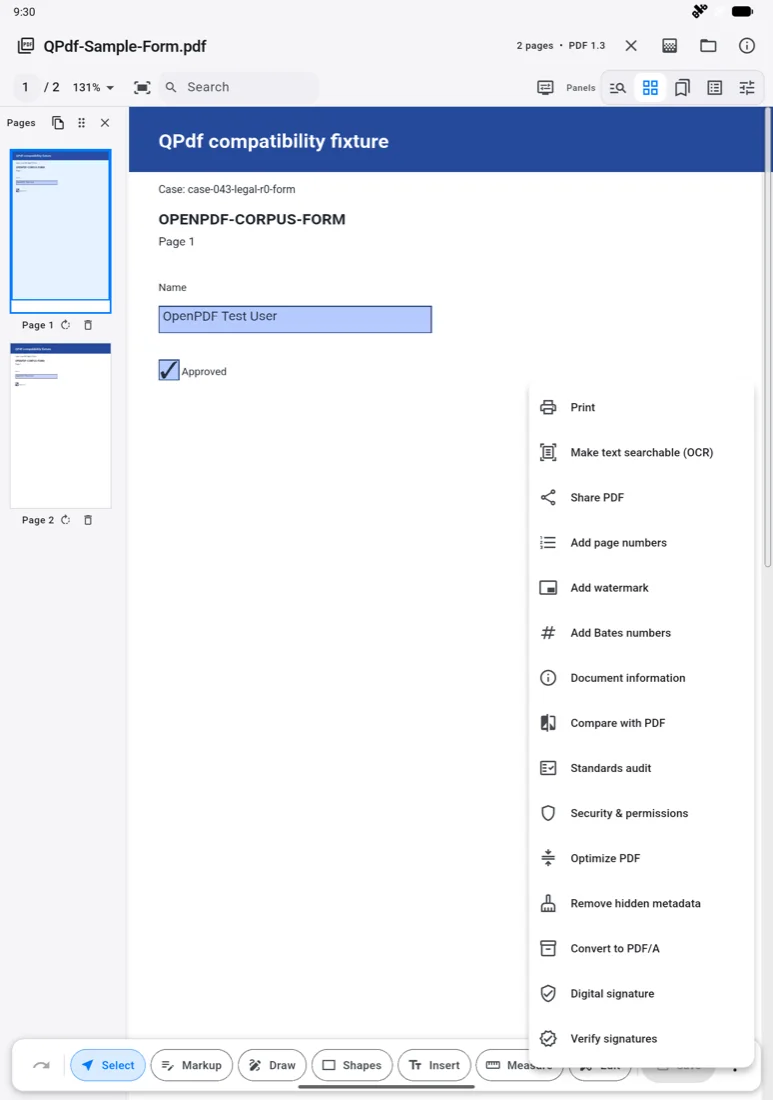
Tools
Every professional tool one menu deep — sign, verify and audit in the same place.
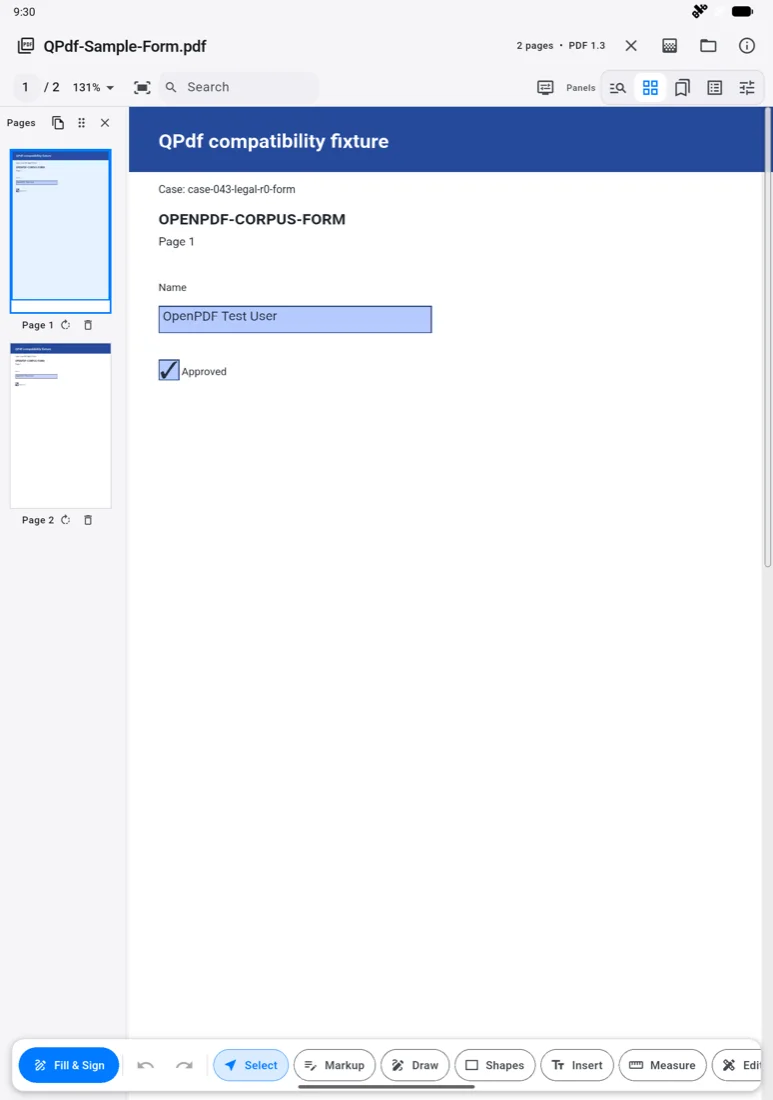
Tablet editor
Drag-to-reorder pages and a full markup rail on one desktop-class canvas.
How it works
OPEN. WORK. SAVE. THAT'S THE WHOLE LOOP.
Open or create
Pick a file, scan paper, or use photos.
Do the work
Annotate, sign, organize, OCR or redact.
Save, print or share
Back to your device, your printer, or your apps.
Phone & tablet
iOS
iPadOS
Apple silicon & Intel
Desktop
Desktop & Wasm
Questions
THE THINGS PEOPLE ASK FIRST.
Is QPdf really free?
Do my documents get uploaded anywhere?
Then why does OCR need the network?
Do I need an account?
Is the redaction tool safe to rely on?
Which permissions does it ask for?
Support
REAL HELP, FROM THE PERSON WHO BUILT IT.
QPdf is built and supported by one person. Email a bug report, question, or feature request and it reaches the person who makes the app — most get a first reply within a few days.
Get started
GET QPDF.
Store releases for Google Play and the App Store are in preparation. Until they land, the source and current builds live on GitHub.
ANDROID · IOS · IPADOS · MACOS · WINDOWS · LINUX · WEB